Most growing businesses eventually hit the same problem: important information gets scattered across too many tools.
Orders live in one system. Customer records live somewhere else. Inventory updates happen manually. Staff permissions are handled through shared logins. Reports require exporting spreadsheets from multiple platforms.
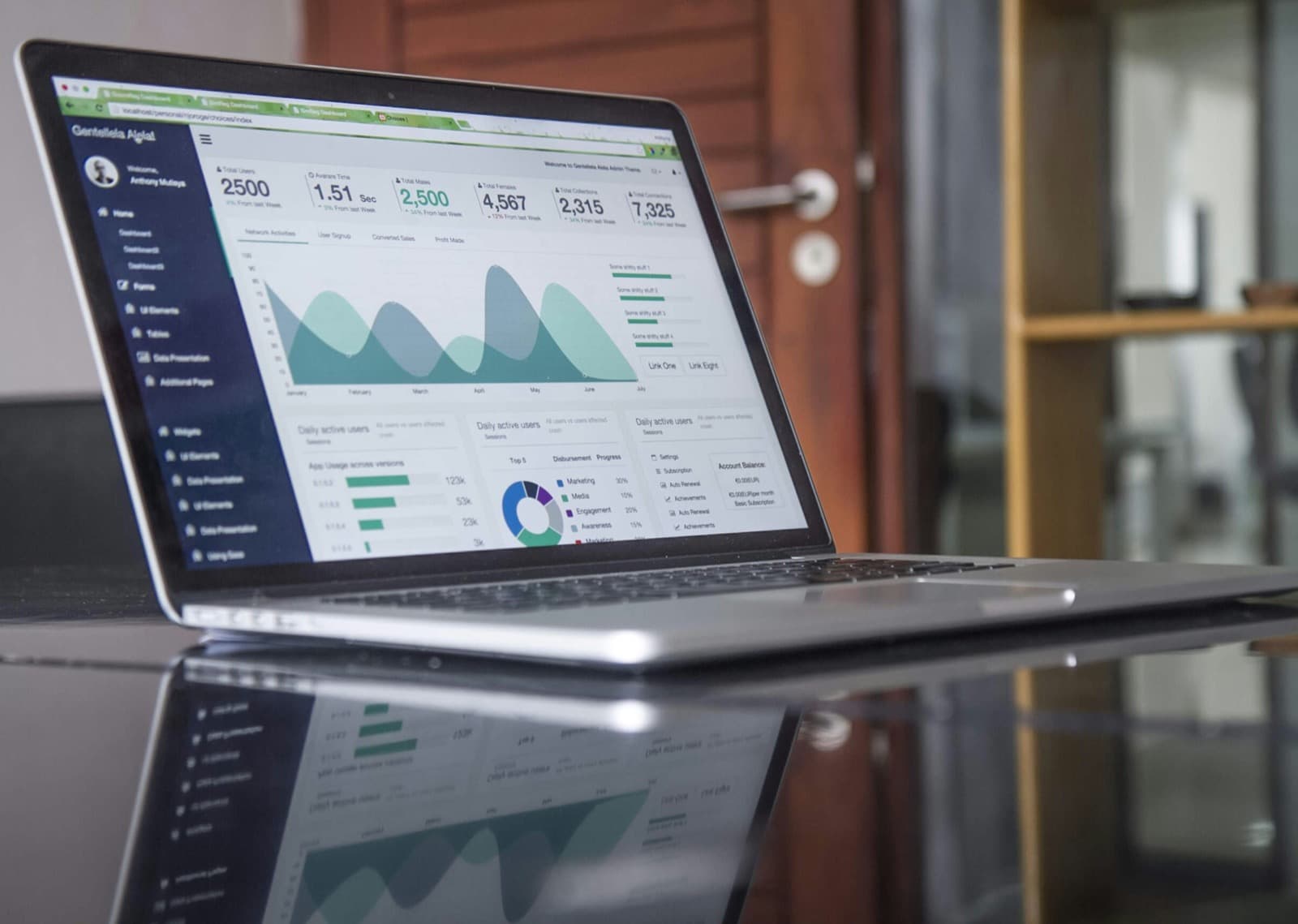
An admin dashboard solves that problem by giving your team one central place to manage the operations behind your website, app, or internal system.
A strong dashboard does more than display data. It helps your team take action faster, reduce manual work, avoid mistakes, and keep the business running with better visibility.
What Is an Admin Dashboard?
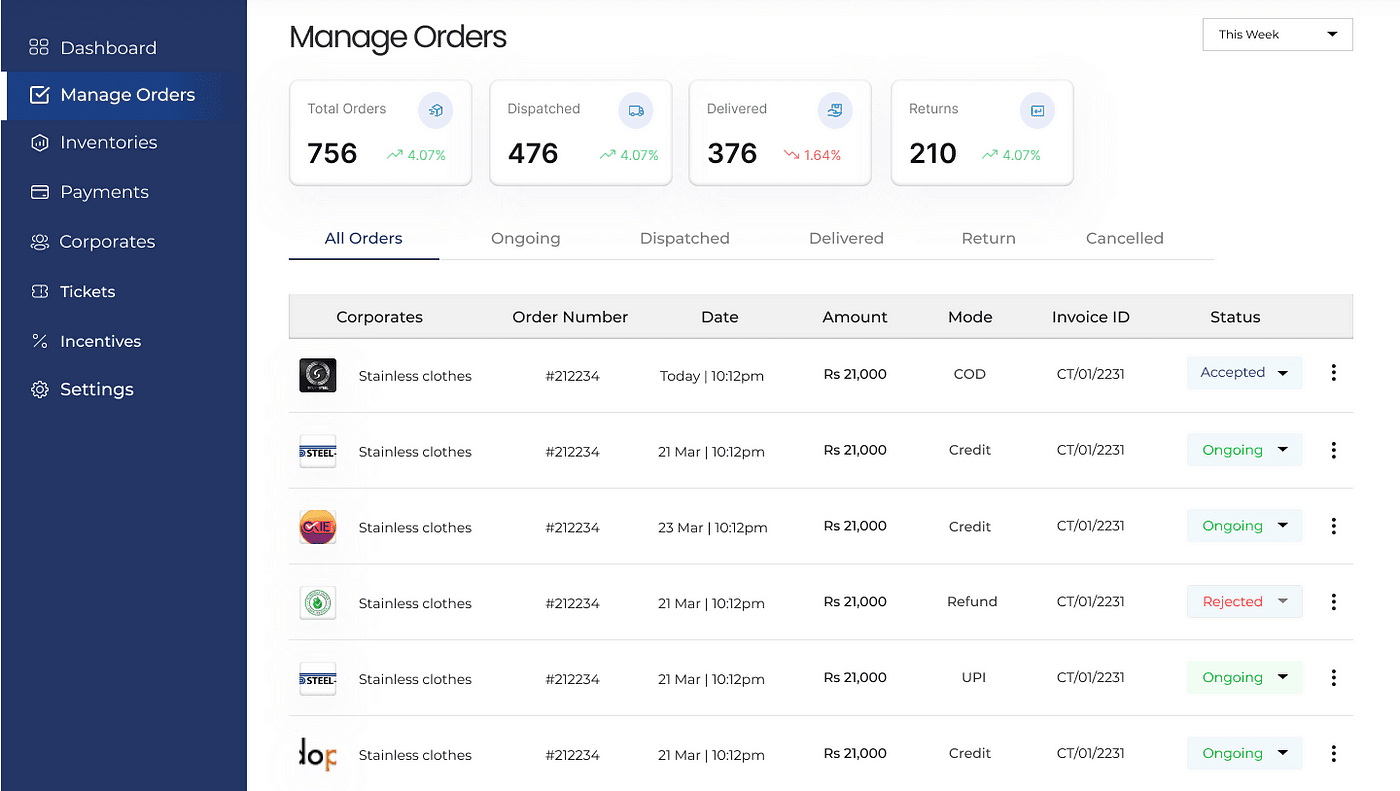
An admin dashboard is a private control panel used to manage the core parts of a digital system.
Depending on the business, that may include:
- Customers or users
- Orders and payments
- Products and inventory
- Bookings or appointments
- Staff accounts and permissions
- Form submissions
- Reports and analytics
- Notifications and operational alerts
For many businesses, the dashboard becomes the internal command center. It gives owners, managers, and staff the tools they need to manage daily work from one place.
Key Advantages of a Custom Admin Dashboard
User and Customer Management
A dashboard can make it easier to view customer records, update account details, manage user roles, reset access, and track account activity.
For businesses with support teams, client portals, memberships, or internal users, this saves time and reduces the need for developer involvement on routine account changes.
Product and Inventory Control
For ecommerce, retail, service, and logistics businesses, a dashboard can centralize product data, pricing, availability, stock levels, and status updates.
Instead of editing information across multiple systems, your team can manage key product details from one interface.
A useful dashboard can also flag low inventory, outdated listings, missing product data, or high-demand items that need attention.
Order Processing and Tracking
Admin dashboards are especially valuable when a business needs to manage orders, requests, or service workflows.
A dashboard can show:
- New orders
- Payment status
- Fulfillment progress
- Shipping or delivery updates
- Canceled or failed orders
- Customer notes
- Internal task status
This gives your team a clearer view of what needs to happen next.
Analytics and Reporting
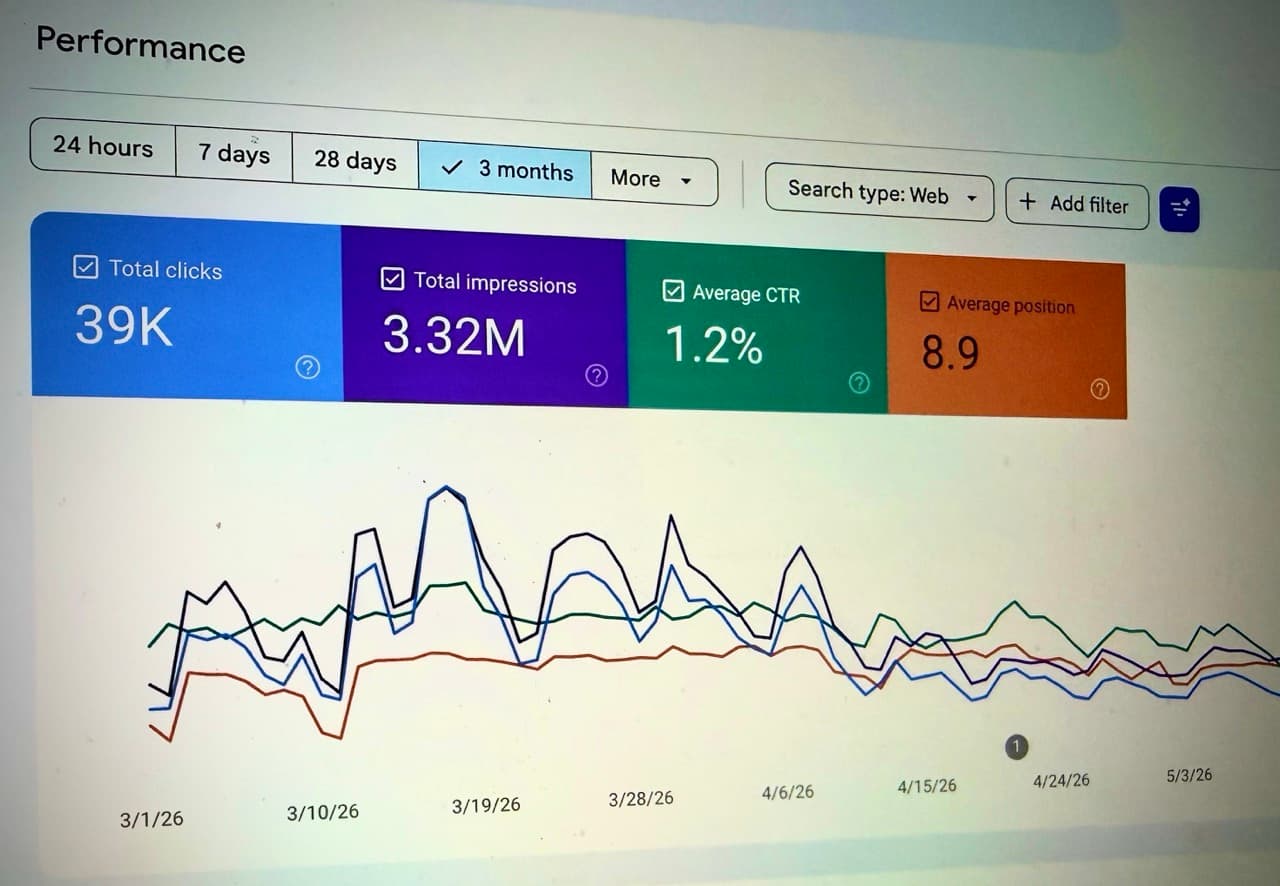
A dashboard can turn raw business data into useful reports.
Instead of digging through spreadsheets or third-party platforms, your team can view key metrics in one place, such as:
- Sales trends
- Lead volume
- Conversion rates
- Customer activity
- Form submissions
- Product performance
- Marketing campaign results
The goal is not to show every possible metric. The goal is to show the numbers that help the business make better decisions.
Security and Permissions
A well-built admin system should give each team member the right level of access.
For example, a support employee may need access to customer records but not billing settings. A manager may need reporting access but not developer controls. An owner may need full access.
Role-based permissions help protect sensitive data while still giving the team enough control to do their work.
Notifications and Alerts
Dashboards can also help teams react faster to important events.
Useful alerts may include:
- Failed payments
- New orders
- Low inventory
- Form submissions
- System errors
- Unusual account activity
- Overdue tasks
- Security concerns
Good alerts help your team catch problems early instead of finding them after they have already affected customers.
Why Custom Dashboards Matter
Off-the-shelf software can work well for basic workflows. But as a business grows, generic tools often create friction.
A custom dashboard can be built around how your business actually operates.
That means your team does not have to force its workflow into software that was designed for a different type of company. The dashboard can match your process, your data, your permissions, your reporting needs, and your customer experience.
This is where a custom system becomes valuable. It removes repetitive admin work and gives your team a clearer way to manage the business.
What a Good Dashboard Should Include
A useful admin dashboard should be:
- Fast: Staff should be able to find and update information quickly.
- Focused: The interface should prioritize the tasks your team performs most often.
- Secure: Sensitive data should be protected with proper authentication and permissions.
- Reliable: Data should be accurate, current, and easy to trust.
- Scalable: The system should support more users, records, and workflows as the business grows.
- Actionable: The dashboard should help people do work, not just look at charts.
The best dashboards are built around real operational needs. They remove steps, reduce confusion, and make important actions easier to complete.
When Your Business Might Need One
You may need a custom dashboard if your team is:
- Managing too much work through spreadsheets
- Logging into several platforms to complete one task
- Manually copying data between systems
- Losing track of orders, leads, or customer requests
- Sharing passwords or using the wrong permission structure
- Struggling to get accurate reports
- Depending on developers for routine admin updates
These are signs that the business has outgrown scattered tools and needs a more centralized system.
Final Thoughts
An admin dashboard gives your business a central place to manage users, data, workflows, reporting, and internal operations.
When built correctly, it helps your team move faster, reduce errors, protect sensitive information, and make better decisions from reliable data.
For businesses with custom workflows, growing teams, or complex internal processes, a dashboard can become one of the most important parts of the entire digital system.