June 27, 2026
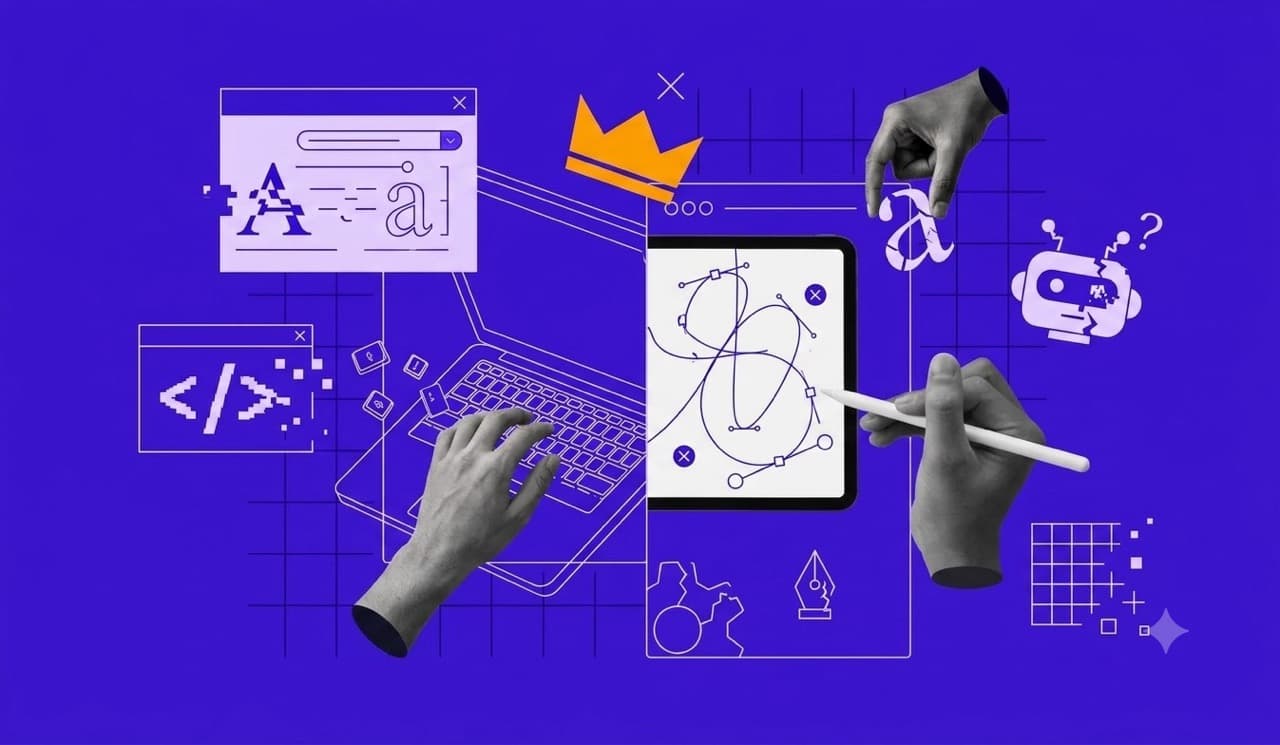
AI Is Not That Good
A practical take on why AI produces average work, why taste and judgment still matter, and where human creativity keeps its edge.

Upload an image and find the closest free Google Font match.
Preview similar fonts, identify alternatives, and download the font files instantly. No signup required.
Upload an image, crop the text, and get a downloadable Google Font match.
Drag and drop an image with text, or click to upload.
Screenshots and UI text work best.
Upload an image, logo, or photo and our font identifier compares the letterforms across 2,000+ Google Fonts and returns the closest free Google Font, and a confidence score.
Drop a screenshot, logo, mockup, or photo with readable text.
Our font identifier compares letterforms against the full Google Fonts library.
Preview the closest free Google Font match, compare alternatives, and download the font files.
WhatTheFont and MyFonts often identify commercial fonts that require licensing. This tool is built for designers, developers, and marketers who need to identify the closest free Font alternatives they can download and use immediately.
Built by Serbyte Web Design in Seattle, WA
Upload an image and get the closest matching Google Font in seconds.
Results come from Google Fonts, so every match is free to use commercially.
Each match includes a confidence score and similar alternatives.
After you identify a font from an image, search the directory to compare more free Google Fonts by style and category.
Upload a screenshot, logo, mockup, or photo to our font finder. The tool analyzes the letterforms in the image and returns the closest matching free Google Font with a confidence score.
Yes. This tool is completely free with unlimited uploads. Unlike paid services, every result points to a Google Font that is free to download and use commercially.
Yes. Our font detector is fully responsive and works on mobile phones (iOS & Android), tablets, and desktop computers.
Our Pre-trained AI model achieves high accuracy with clear images, especially for Sans Serif and Display fonts. Each result includes a confidence score (High, Medium, Low) to indicate reliability.
We support JPG, PNG, and WebP formats up to 20MB. For best results, use high-contrast images with clear text.
We specialize in finding free Google Font alternatives. If you upload an image with a commercial font like Helvetica, the tool finds the closest free Google Font match, such as Inter or Roboto.
Yes. After the tool finds a match, you can preview the font and download the matched Google Font files directly from the results screen.
No. Your privacy is important. Images are processed temporarily for identification and are permanently deleted immediately after the analysis.
Serbyte Development is a Seattle-area web design, web development, and SEO company that builds fast, conversion-focused websites and tools for growing businesses. Visit the Serbyte Development home page to learn more about our services, process, and recent work.
Explore practical guides on web design, development, SEO, typography, content, and building better websites.
June 27, 2026
A practical take on why AI produces average work, why taste and judgment still matter, and where human creativity keeps its edge.
June 6, 2026
Transform your online presence with effective small business web page design. Discover vital tips for choosing platforms, design strategies, and top agencies.
June 2, 2026
A data-backed breakdown of how SEO content writing helps articles rank organically, attract links, and turn research into search visibility.